You have scheduled an appointment. What happens next?
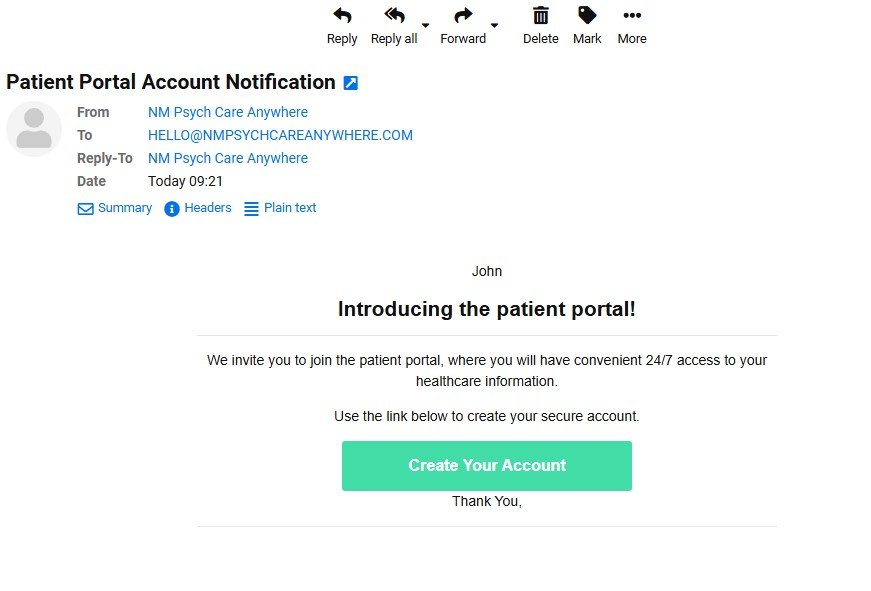
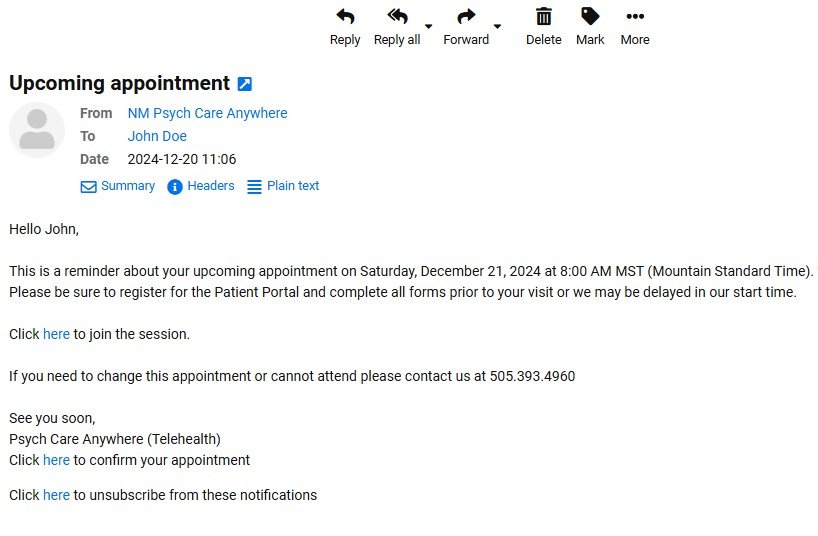
1 . You will get an email with a link to the patient portal. Click the link to create an account.
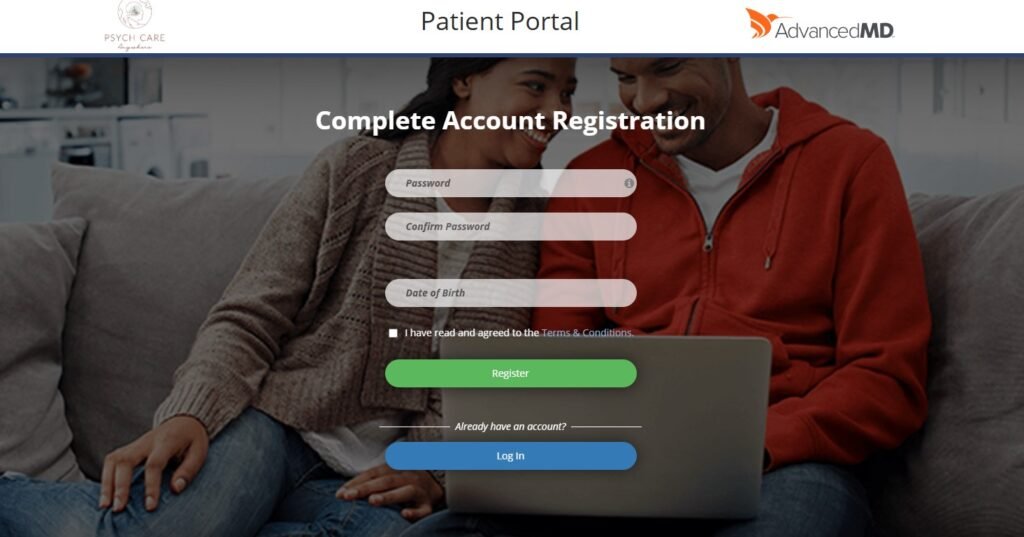
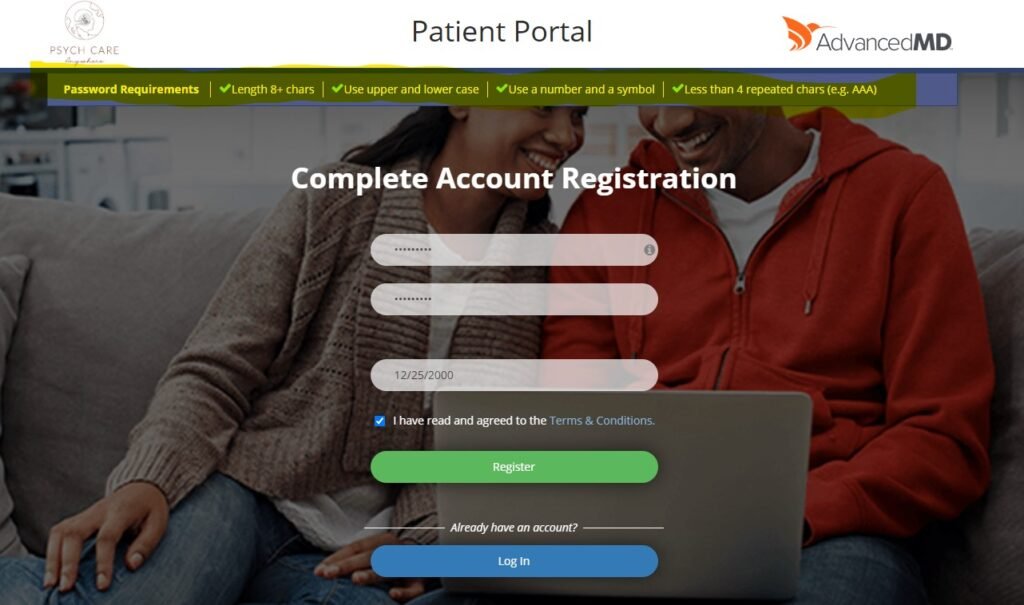
2. You will be taken to the registration page. Choose a password and enter your date of birth.
3. Look at the password rules at the top of the page. If your password does not follow the rules, it will not work.
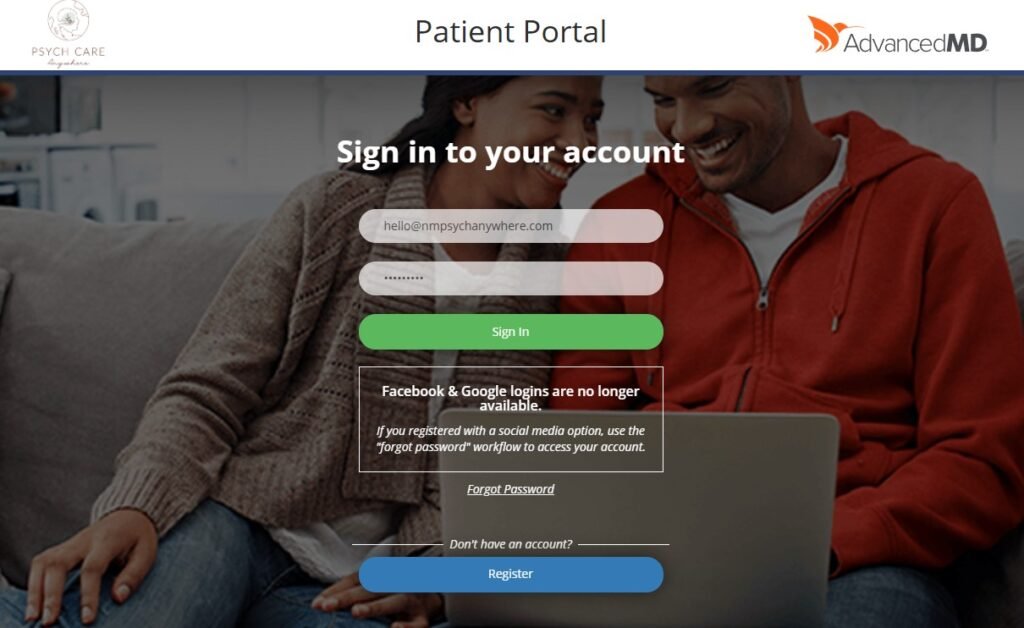
4. Once your account is made, you can sign in with your email and password.
If you forget your password, click “Forgot Password.” You will get an email to make a new one
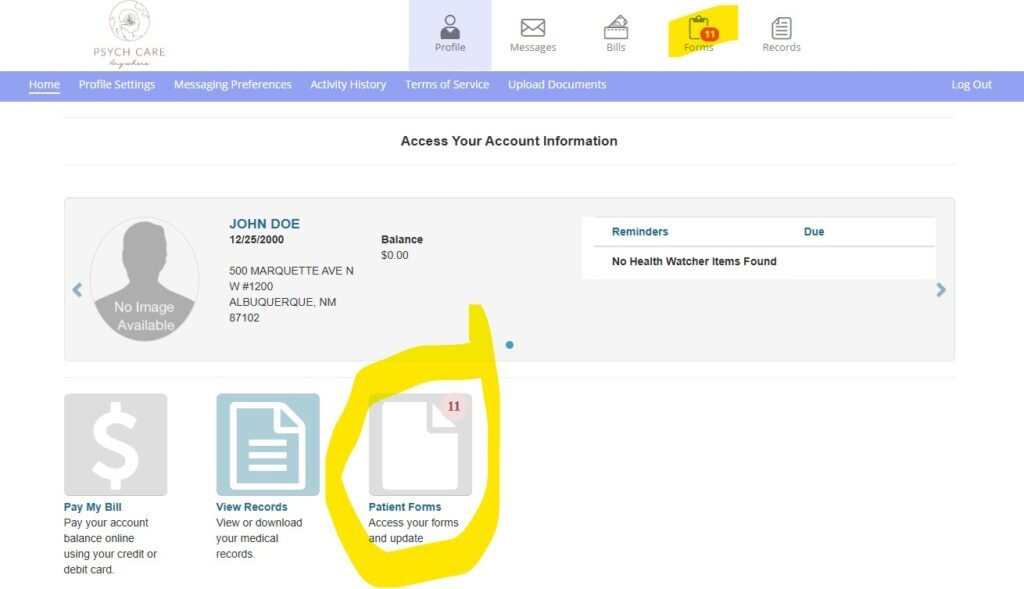
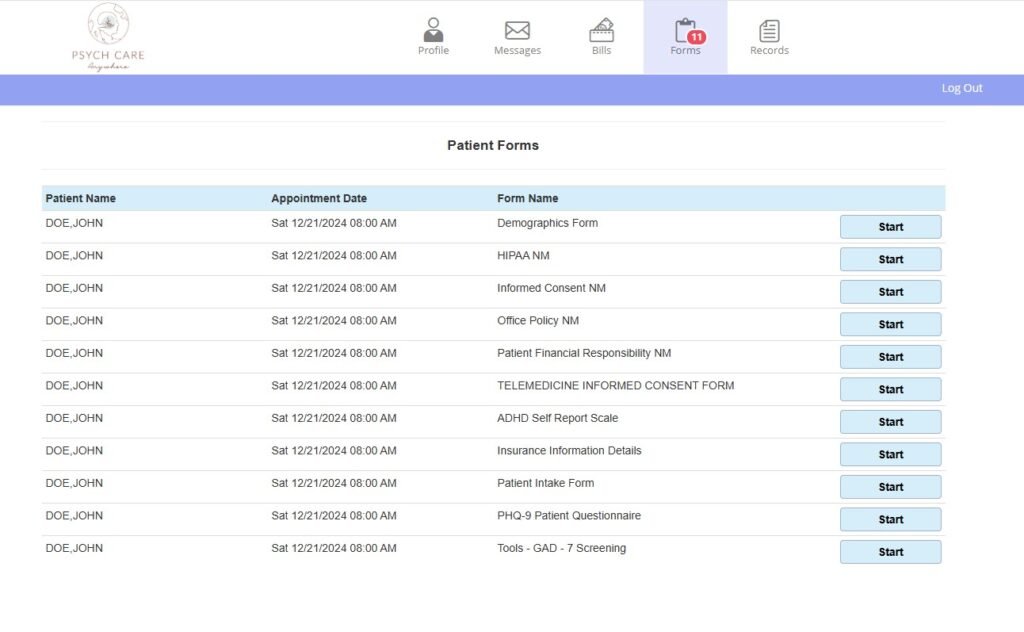
5. You now have access to the patient portal! You can access all of the required forms here, pay bills or upload documents securely.
6. Please be sure to complete all of the required forms prior to your appointment.
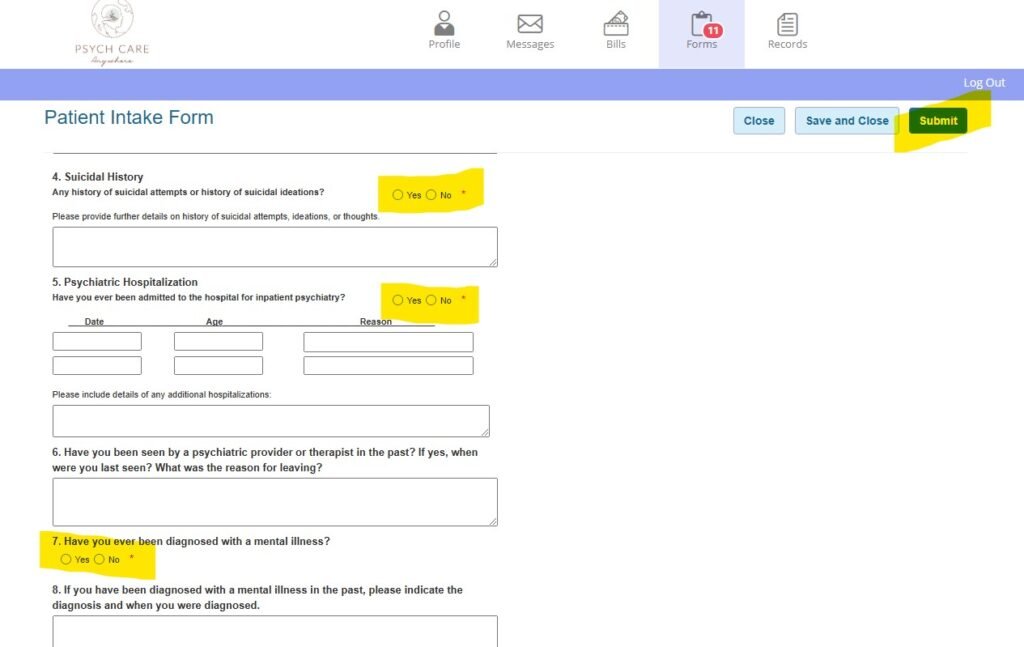
7. Boxes with a star (*) must be filled in. You will not be able to submit the forms if these sections are not completed. Be sure to click Submit at the end, or we will not receive your forms.
8. Your appointment is conducted telehealth. Both audio and video will be required. If possible, please connect to a wifi source. If using your phone, put your phone on do not disturb so incoming calls will not interrupt the session. You will not need any special applications. You will need a device that has a camera and a mic. The link will be emailed and sent via text message 3 days before your appointment and 1 day prior to your appointment.
If you have any problems with the portal, please call our office.